
Connect to Wi-Fi Network
Possible Cause #
- Wi-Fi not configured/connected
What to Check - Phone #
- Wi-Fi network credentials
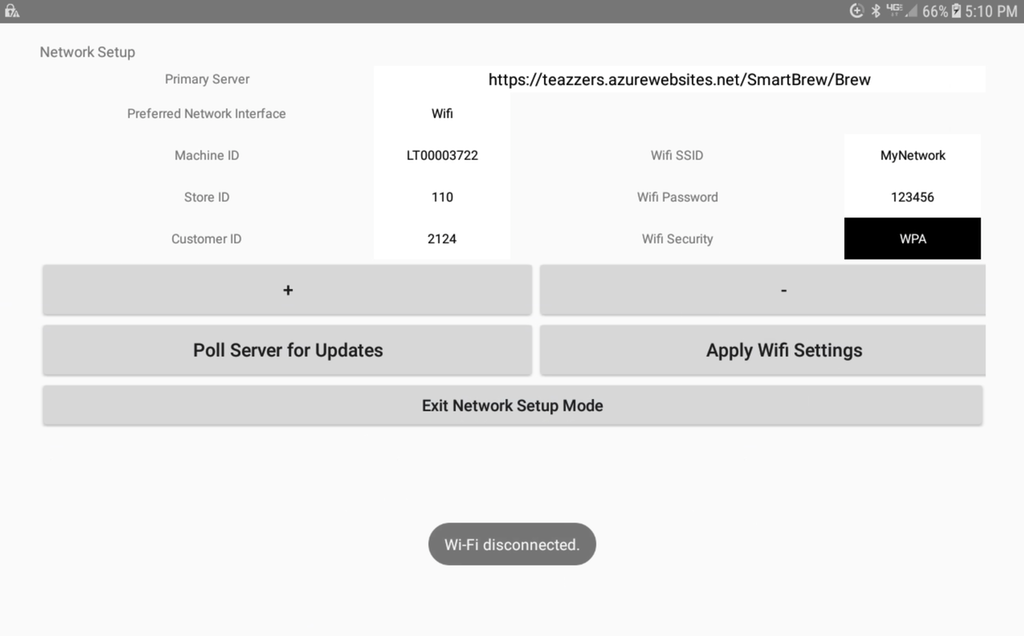
Action Needed - Phone #
- Enter Wi-Fi credentials in App
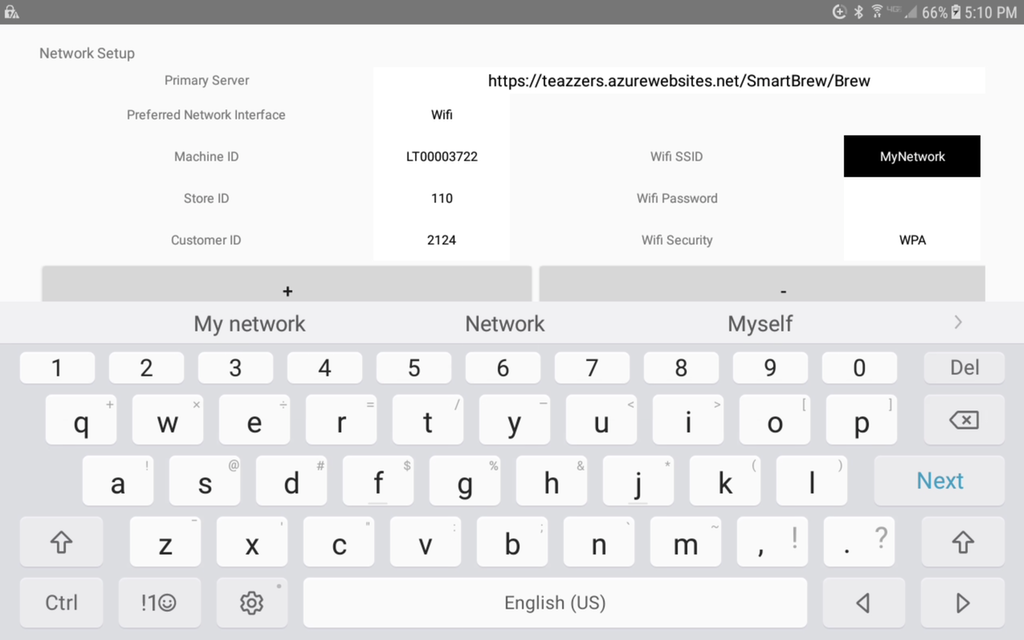
Action Needed - Field #
- Access Android Settings
- Choose Wi-Fi
- Connect to Wi-Fi network that has been authorized.
Caution #
Resolution
Did Connect to Wi-Fi Network resolve the issue?
Yes, resolution code 112.
No, go to next step.