
Tablet Bluetooth not Paired / App in Demo Mode
Issue #
The NEWCO Touch app is designed to run in "Demo Mode" when the tablet is not paired with the SmartBrew machine via Bluetooth.
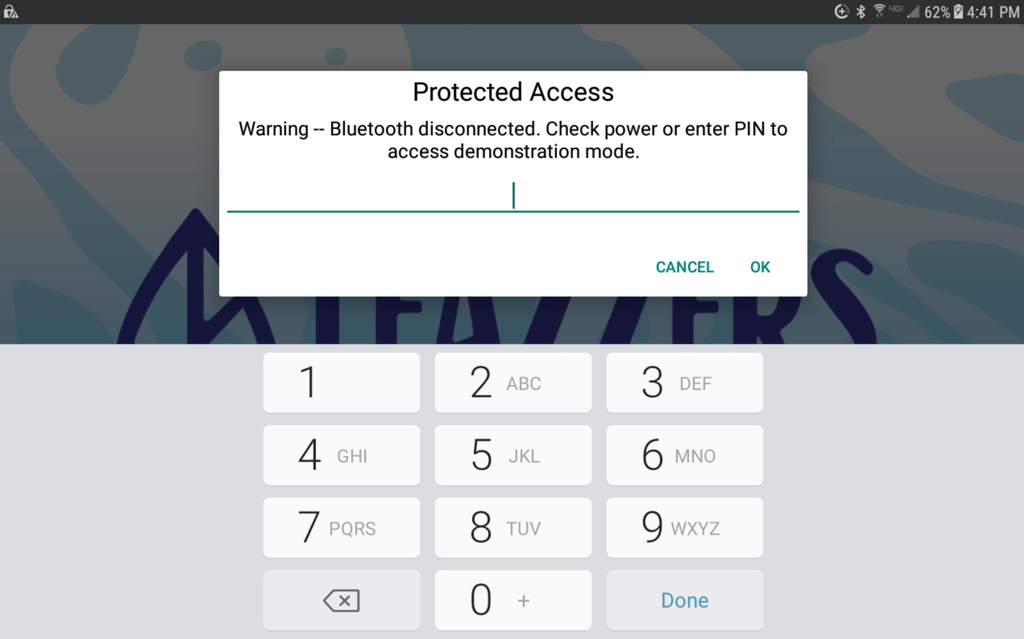
Action Needed - Phone #
- Turn SmartBrew machine off for 10 seconds.
- After turning it back on, DO NOT TOUCH tablet for 30 seconds.
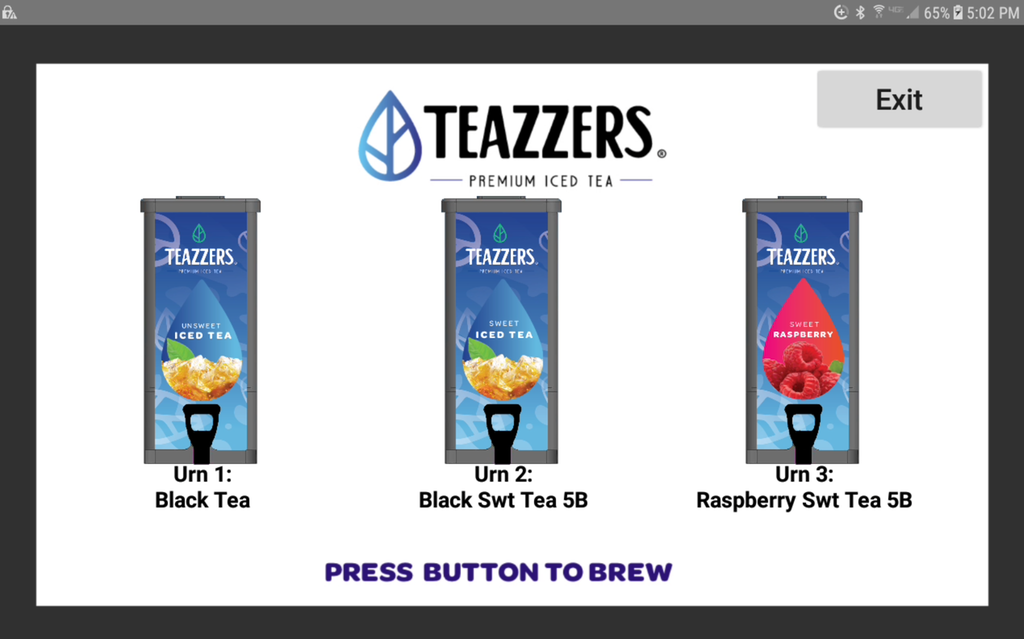
- Brew Screen with 3 urns should appear when the tablet is paired.
- If it fails, try two more times before moving on.
Action Needed - Field #
- Exit Pro-Kiosk Mode
- Access Android Settings
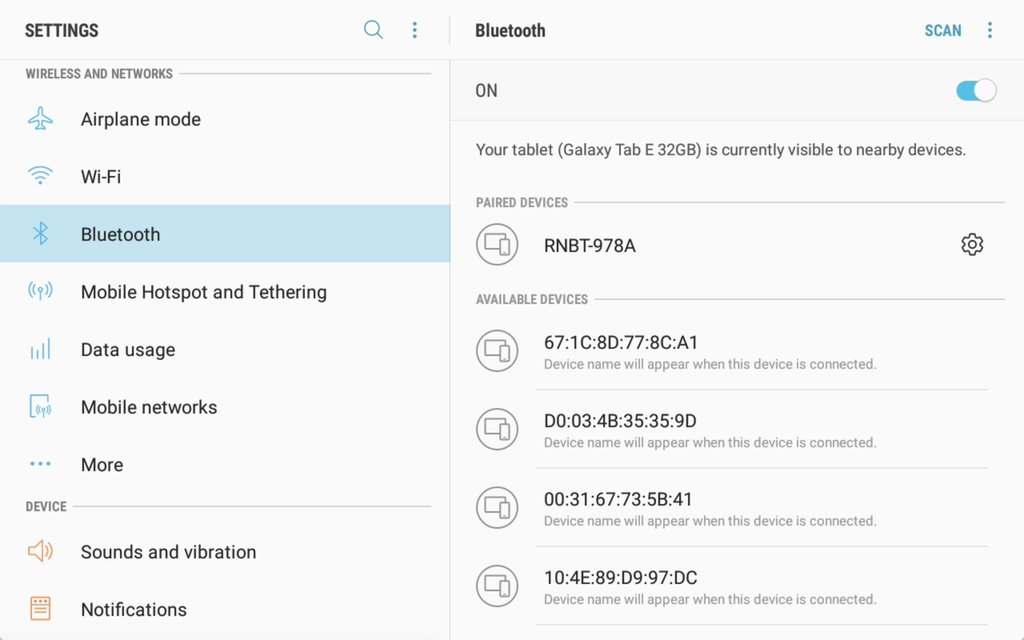
- Choose Bluetooth Settings
- Select device named RNBT-XXXX where XXXX is the last 4 characters of the MAC address of the Bluetooth board found in the SmartBrew machine.
Resolution
Did Tablet Bluetooth not Paired / App in Demo Mode resolve the issue?
Yes, resolution code 113.
No, go to next step.